We automated our own shop first.

Cyber Works runs its daily operations on software agents we built ourselves and check regularly. We can build the same kind of tools for your business.
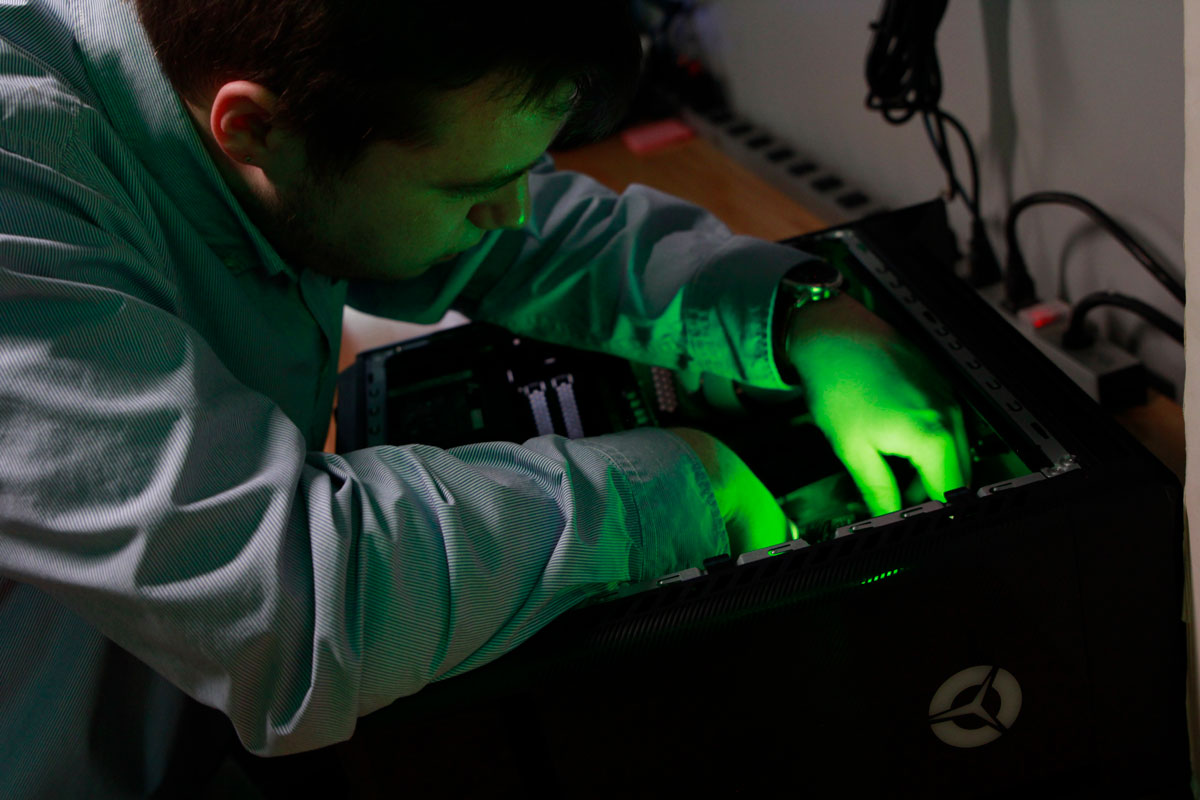
A Cyber Works technician working inside a customer’s PC at the Green Bay shop
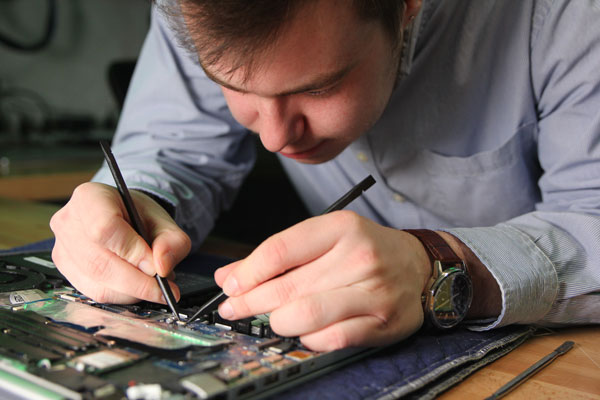
A technician repairing the circuit board of a laptop
Why it matters

Small teams lose things in the gaps.

An important message gets missed during a busy day.
A recurring invoice lapses quietly.
A customer request sits until nobody remembers it.

So we built software to watch the gaps.

What we build

Practical tools, built around your business.

Workflow automation

Routine steps that happen on their own, so nobody has to remember them.

A form opens a job
An invoice is checked before it goes out
A report builds itself on schedule

Connected software

Your programs share information, so the same thing is never typed in twice.

Your existing software
Connected automatically
Nothing entered twice

Help with incoming requests

New requests are sorted and replies are drafted. A person reviews and sends.

Incoming requests sorted
Replies drafted
A person approves anything customer-facing
Examples

Small custom tools

BeforeA spreadsheet nobody quite trusts
AfterA small, private app for one daily job

Clear reporting

BeforeTickets, sales and hours in different places
AfterOne view you can read on a Monday morning
Where we’d say noIf a simple rule does the job, we’ll build that instead of an AI tool.
Built in-house

What we’ve built.

Tools our own team runs every day, built in-house and shown with sample data.

Animation: a question is typed into the Follow-ups app, an answer appears with buttons, and one click marks the item done. Sample data.
Follow-upsSample dataEvery customer promise in one place, with Claude.
Animation: a team dashboard of revenue and services settles in, then a technician’s daily number is increased with a plus button. Sample data.
KPISample dataThe team’s numbers, live.
Animation: a calling list of businesses, then one row opens in a side panel with its status, contact and notes. Sample data.
Windows 10Sample dataWho still needs the upgrade.
Animation: an eBay sales overview, then a sales report scrolls to a date-range table that switches from 7 to 30 days. Sample data.
eBaySample dataSales and stock, every morning.
Animation: a board of purchase orders, a package is marked as arrived, then put away, and its card leaves the column. Sample data.
OrdersSample dataParts land, nothing gets forgotten.
How it works

How a project works.

01

Start with an assessment.

We look at what your business actually runs on, and where things fall through.

02

Agree on the scope in writing.

Services are set out in a written addendum to our service agreement. Anything beyond that scope needs your written OK first.

03

Build it, then keep checking it.

We build the tool, then check how it runs, the same way we check our own.
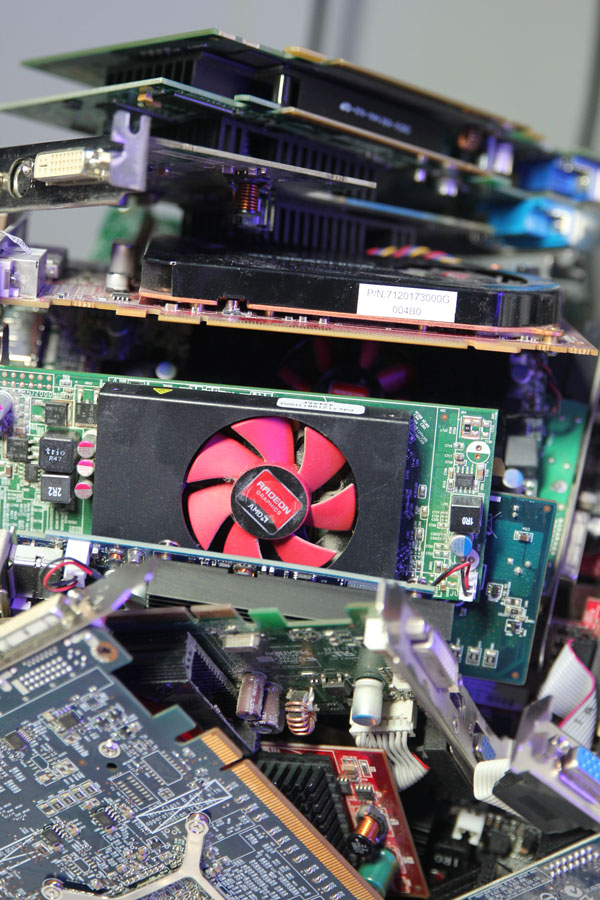
Stacked graphics cards and circuit boards on the bench at the Cyber Works shop
Who stays in charge

Our agents can read and draft. People stay in control.

Software drafts
A person reviews
A person sends

For the workflows we use today, agents can review records and prepare drafts without changing the underlying ticketing data.

Customer-facing messages are reviewed and sent by a person. That rule is written down.
Two wall screens showing the Cyber Works logo inside the store on Willard Drive, Green Bay
In our own shop

One summary every weekday morning.

Every weekday morning, one message pulls together what’s new, what’s waiting on someone and what’s stuck.

The suggested next steps come from fixed rules, not from an AI model’s guesses.

What runs today

New inquiries don’t sit unread.

The shared inbox is checked on a fixed schedule four times every business day, and anything new is flagged to the team.

4×checks every business day
Mon–Fri7:30am to 5pm
Flaggednew inquiries go to the team

Start with an assessment.

The next step is an IT assessment: we look at what your business actually runs on, and where things fall through.